
Reporting & Insights
Know the shift numbers
before the day ends.
Sales and profit open from the terminal header. The admin dashboard rolls up locations, products, customers and collected vs outstanding—filtered by date range.
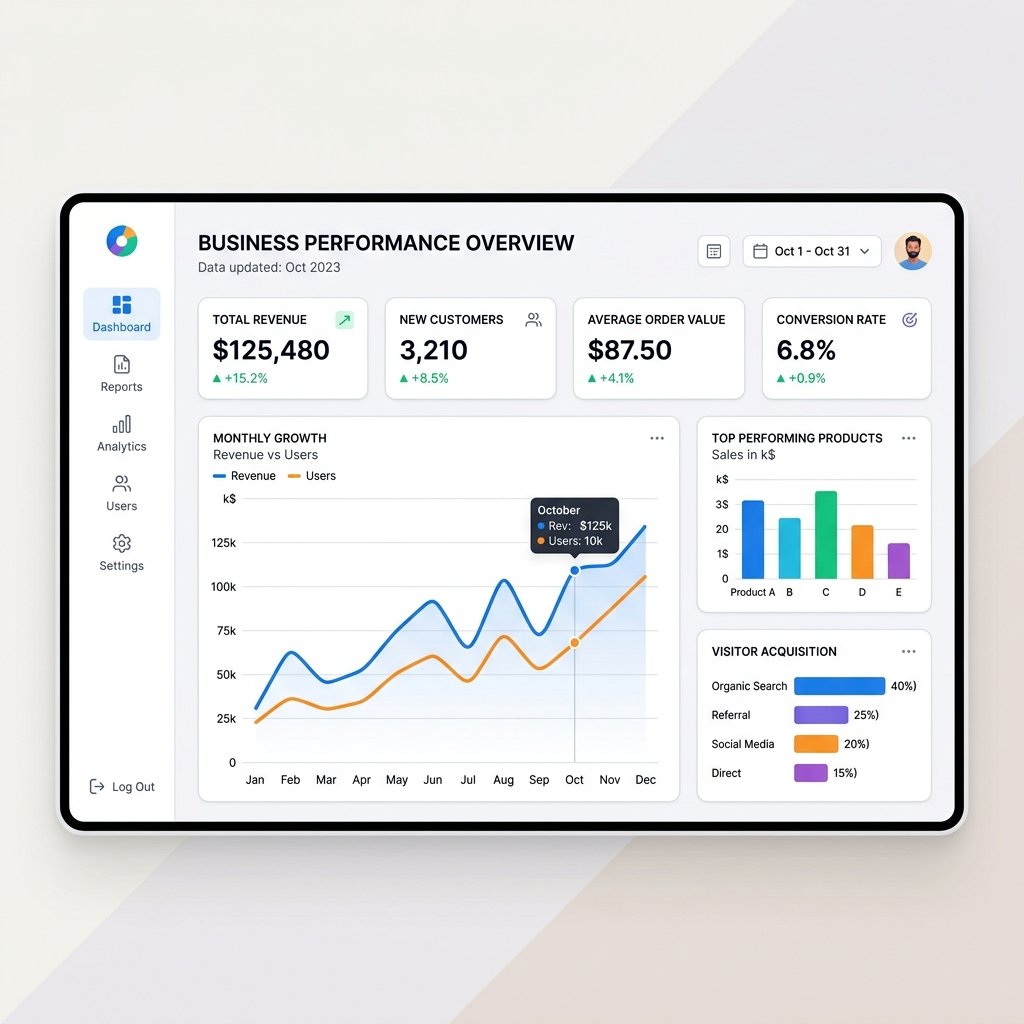
Live from the header
Instant answers while the floor is open.
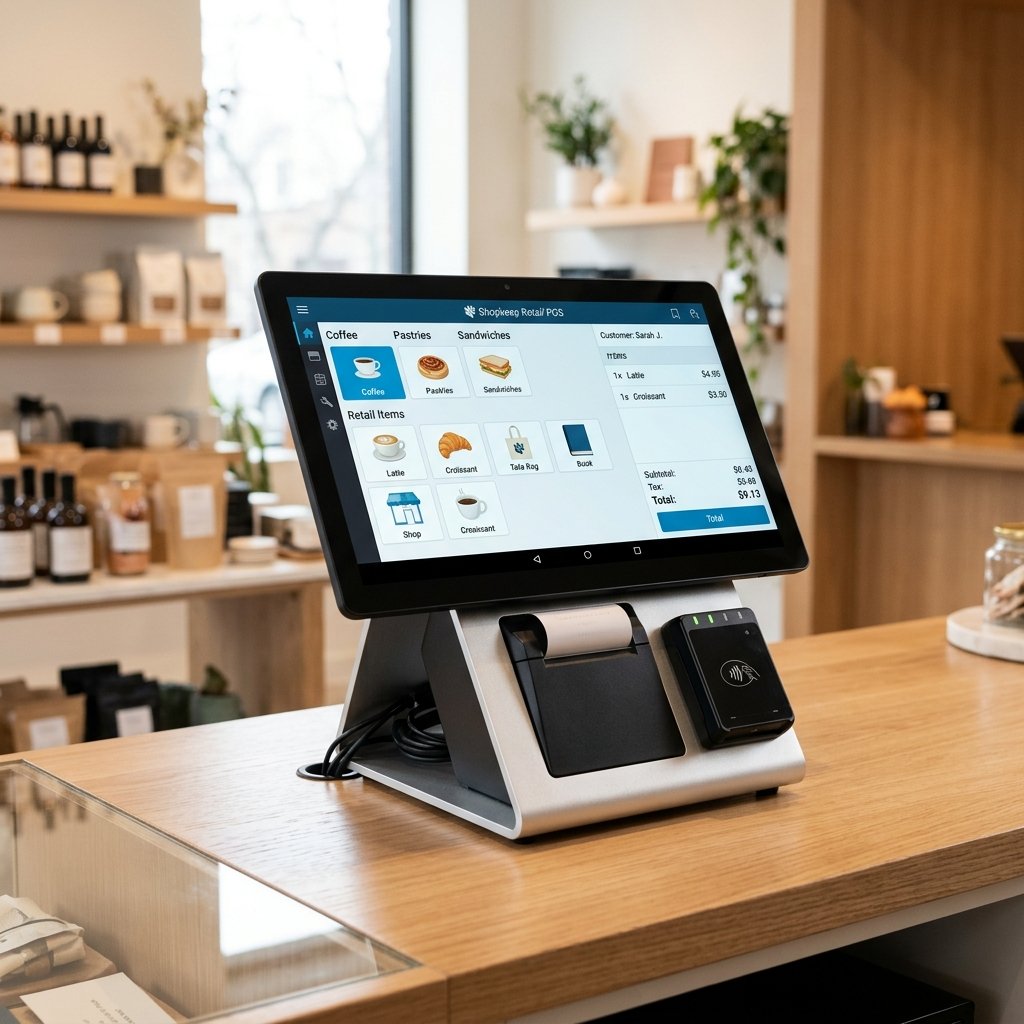
Channel-aware totals
POS Sales, Website Sales and Refunds—plus Today Gross, Current Session Sales and Today Net Sales.
Margin on cost
Gross Profit, gross margin %, Revenue and Cost of Goods so pricing decisions stay grounded.
Expected cash
Float, cash in, refunds out and card (not in drawer) resolve to Expected Cash in Drawer.

Admin dashboard
The POS is the front door to a fuller system.
Jump from the terminal grid icon into a dashboard with Today / Week / Month views, date-range filters and the KPIs owners check first.
Why it matters
Online and in-store, same source of truth.
Website sales sit beside POS sales so digital demand never hides from the shift report.
Margin views use cost price—useful for butchers, grocers and any weighted or high-SKU catalogue.
Register maths and end-of-day tools close the loop between what sold and what should be in the drawer.

7-day free trial
See your numbers in a live demo.
We’ll walk Sales, Profit, Register and the admin dashboard with the metrics your team actually uses.