Category sidebar
Filter the grid by Fresh Meats, Seafood, Frozen, Groceries, Produce, Cold Meats, Drinks, Marinated and more.

POS Terminal
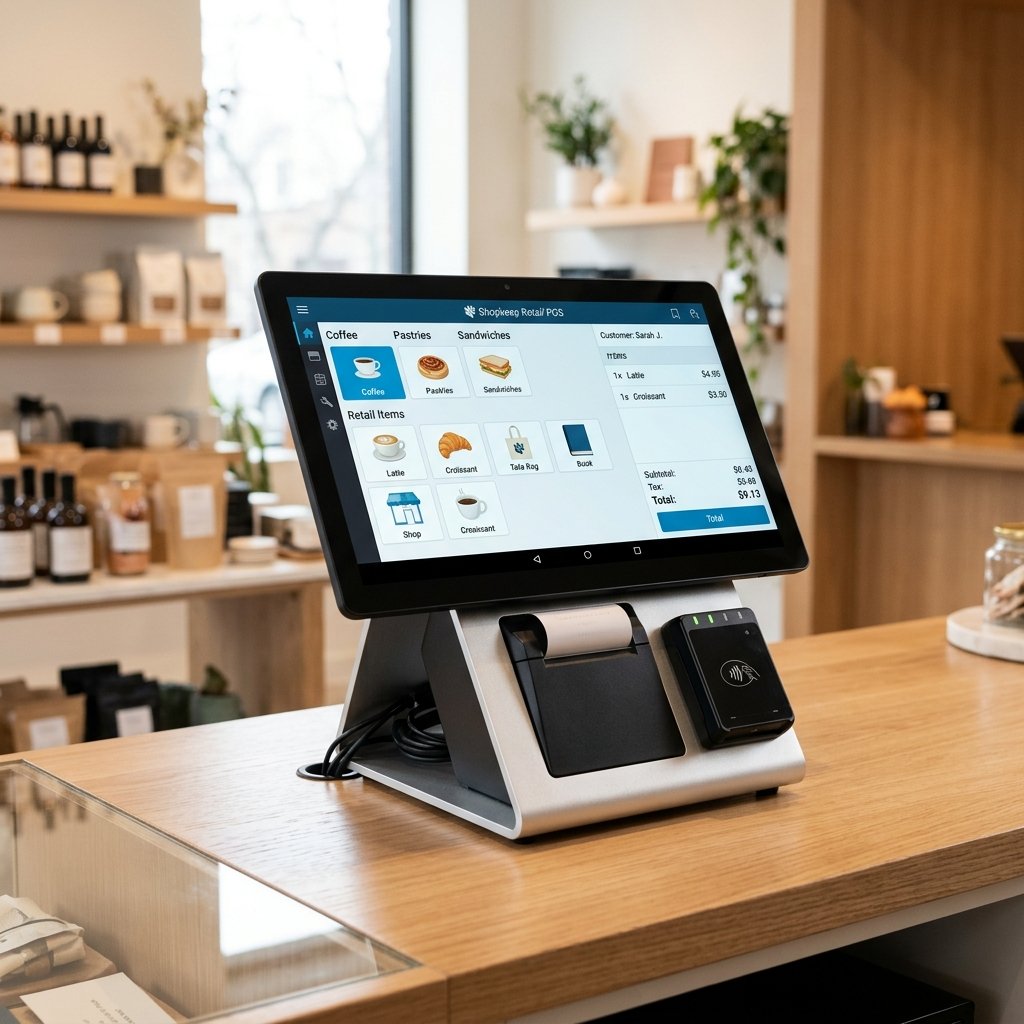
A full front-of-house workspace: session tools in the header, fast product browsing on the left, and a precise order panel ready for every walk-in or named customer.

Top header bar
A live session timer shows how long the register has been open. The store selector handles multi-branch setups so one POS experience works across locations.
Product browsing
Filter the grid by Fresh Meats, Seafood, Frozen, Groceries, Produce, Cold Meats, Drinks, Marinated and more.
Type-as-you-go search plus an All Brands dropdown with a searchable brand list for precise filtering.
Out of Stock, Only X left, Variants available and certification badges keep staff informed before they tap.
Sold-by-kilogram items get inline +/- steppers with live stock. Packaged items open size/price/stock variant modals.
Bundles and promotional coupons/discounts live in one modal with two tabs—so offers are applied without slowing the queue.
Cart / order panel
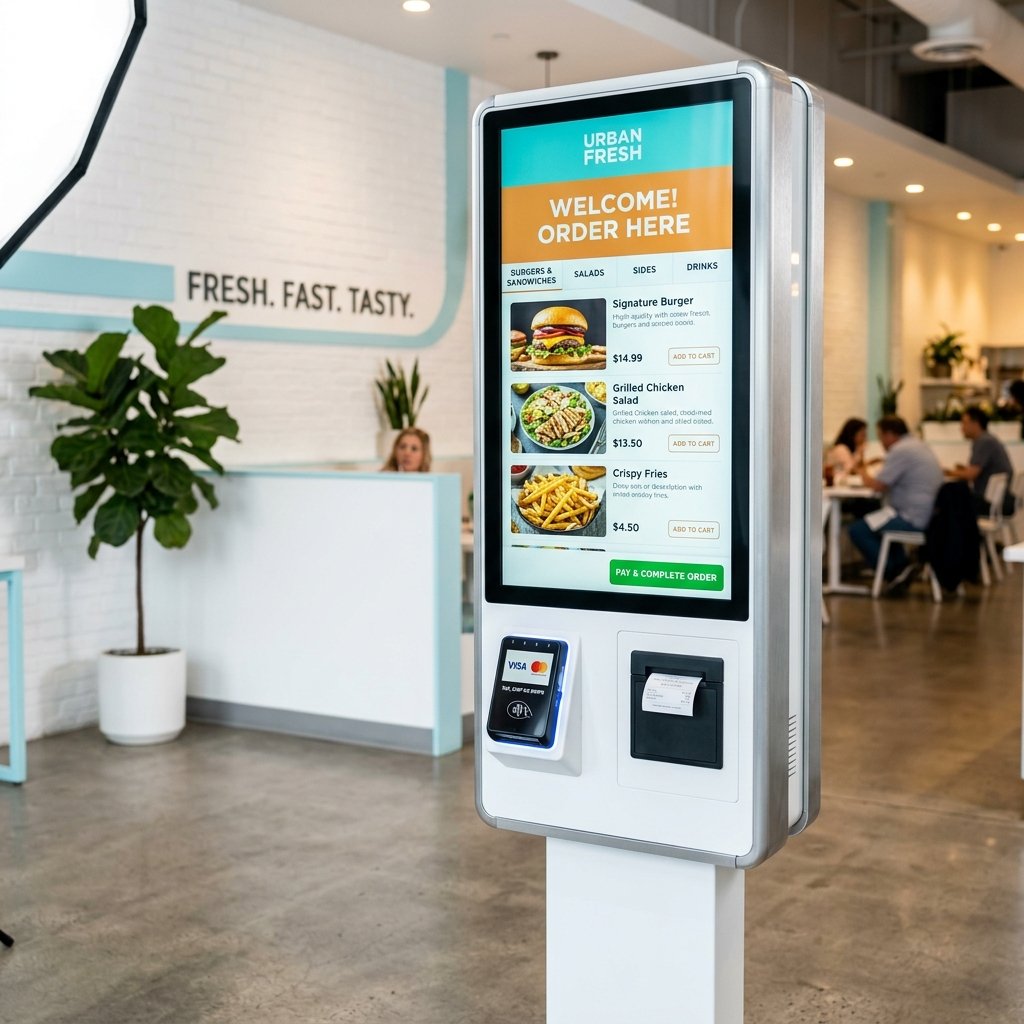
Open the Order List to manage a unique reference (#ORD####), attach a customer (or keep Walk-in), add notes and control quantities before placing the order.
7-day free trial
We’ll show category browsing, weight selling, variants and the order panel with your real workflow in mind.